How We Use AI in Our Design Process
There’s a lot of conversation around AI in design right now. Some people see it as a threat, while others see it as a magic solution that can do everything. In reality, our experience sits somewhere in the middle.
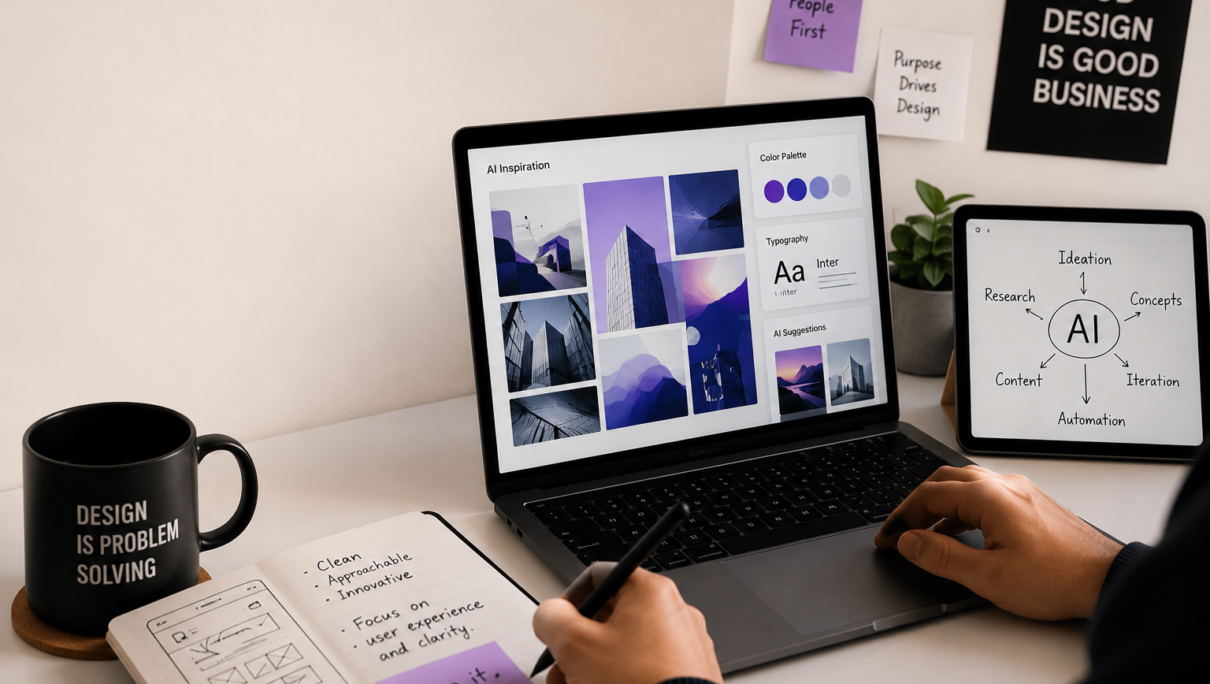
We don’t use AI to replace design. We use it to make parts of the design process faster, more efficient, and sometimes more creative.
At the end of the day, good design still comes from understanding people, solving problems, and making thoughtful decisions. AI simply helps us get there more efficiently.
Starting with Ideas
Every project begins with questions. What problem are we solving? Who are we designing for? What are the constraints?
Traditionally, gathering inspiration and exploring directions could take hours of searching through websites, screenshots, articles, and references. Today, AI helps us explore possibilities much faster.
We use AI to generate early concepts, mood directions, and alternative approaches. Not because we expect the first result to be perfect, but because it helps us think beyond our usual patterns.
Sometimes the most valuable thing AI provides isn’t the answer—it’s a new perspective.
Research and Discovery
Research is a critical part of any design project, but it can also be time-consuming.
AI helps us organize information, summarize large amounts of content, identify patterns, and discover insights that might otherwise take much longer to uncover.
Instead of spending hours sorting through information, we can spend more time understanding what that information actually means and how it should influence the final design.
Exploring Visual Directions
When developing visual concepts, AI can be useful for rapidly testing different styles, layouts, color palettes, and creative directions.
This doesn’t replace the designer’s role. It simply allows us to evaluate more possibilities in less time.
Think of it as sketching with a faster pencil.
Many of the concepts generated during this stage never make it into the final design. Their purpose is to help us explore, compare, and refine ideas before moving into detailed execution.
Improving Content and Communication
Design is not just visual. It also involves communication.
We occasionally use AI to help generate headline options, refine messaging, improve readability, or create alternative versions of content.
However, every piece of content is reviewed and edited by humans before it becomes part of a project. Context, brand voice, and emotional nuance still require human judgment.
Automating Repetitive Tasks
Every designer spends time on repetitive work.
Renaming files, organizing content, preparing documentation, creating variations, and handling routine tasks can consume valuable creative energy.
AI helps automate some of these processes, allowing us to focus more on strategy, creativity, and problem-solving.
The result is not necessarily less work. It’s more time spent on the work that matters.
What AI Cannot Do
Despite its capabilities, AI has limitations.
It doesn’t understand business goals the way a client does.
It doesn’t understand emotions the way people do.
It doesn’t attend meetings, build relationships, or develop empathy for users.
Most importantly, it doesn’t take responsibility for design decisions.
That responsibility remains with the designer.
AI can generate options. Humans decide which option is right.
Our Approach
We see AI as a tool, not a replacement.
Just as designers adopted digital software, prototyping tools, and modern workflows over time, AI is becoming another part of the toolkit.
The goal isn’t to use AI everywhere possible.
The goal is to use it where it genuinely adds value.
When used thoughtfully, AI helps us move faster, explore more ideas, reduce repetitive work, and spend more time focusing on creativity and problem-solving.
And that’s ultimately what good design is about—not the tools we use, but the outcomes we create.
Design Mutants